Facebook Pages via Zapier
Last updated: May 8, 2026
Use Zapier to pipe comments, reviews, and messages from your Facebook Page into Unwrap as feedback. This guide walks through the one-time setup.
How it works
Unwrap uses Zapier to ingest Facebook Page activity into our platform. A Zap watches your Page for new events (comments, reviews, messages, etc.) and forwards each one to Unwrap, where it's classified and grouped automatically. Only the connection is shared with Unwrap. You can revoke access at any time from your Zapier dashboard.
Setup steps
1. Request a Zapier team invitation
Ask for an invitation to join the Unwrap team on Zapier - your sales representative can assist you here. Once you receive an invitation from us, you will either create a Zapier account for the first time, or accept the invitation from your existing Zapier account, to join our Unwrap team. This allows you to share Zaps or app connections with us.
2. Accept the invite and confirm your organization
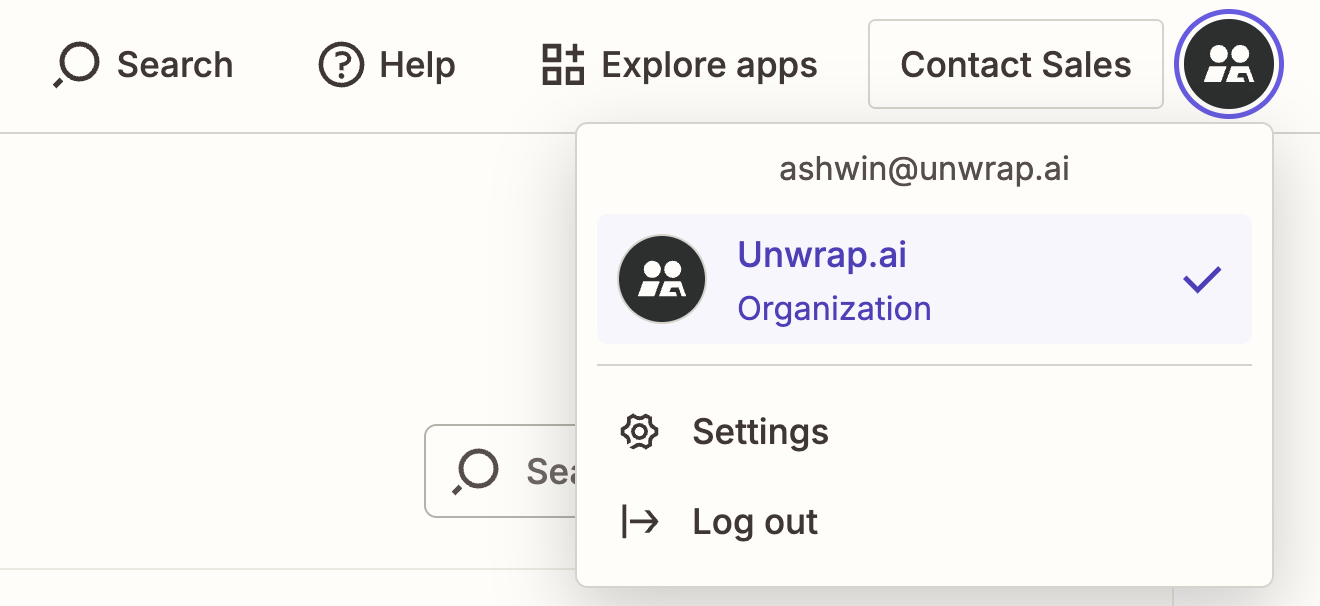
Accept the Zapier team invitation from your email. Once inside the Unwrap Zapier team, confirm you're operating under the correct Unwrap organization workspace before creating any connections.
3. Create a connection to your Facebook Page
In Zapier, click on App Connections. Select Facebook Pages and follow the authentication steps to allow Zapier to access the page. Note: Facebook requires the authenticating user to be an admin of the Page. If the Page is managed by a Business Manager, make sure Page-level permissions are granted.
4. Share the connection with Unwrap
Share the Zap (or the Facebook Pages connection) with integrations@unwrap.ai from your Zapier dashboard. This grants Unwrap permission to complete the destination side of the pipeline — no credentials are exposed.
5. Notify Unwrap to finalize the pipeline
Our team will wire up the Unwrap-side destination, turn the Zap on, and confirm the first entries are flowing. Typical turnaround: 2–3 business days.
Questions?
Reach out to integrations@unwrap.ai or your Unwrap CSM.